


Send ecommerce leads to Instantly
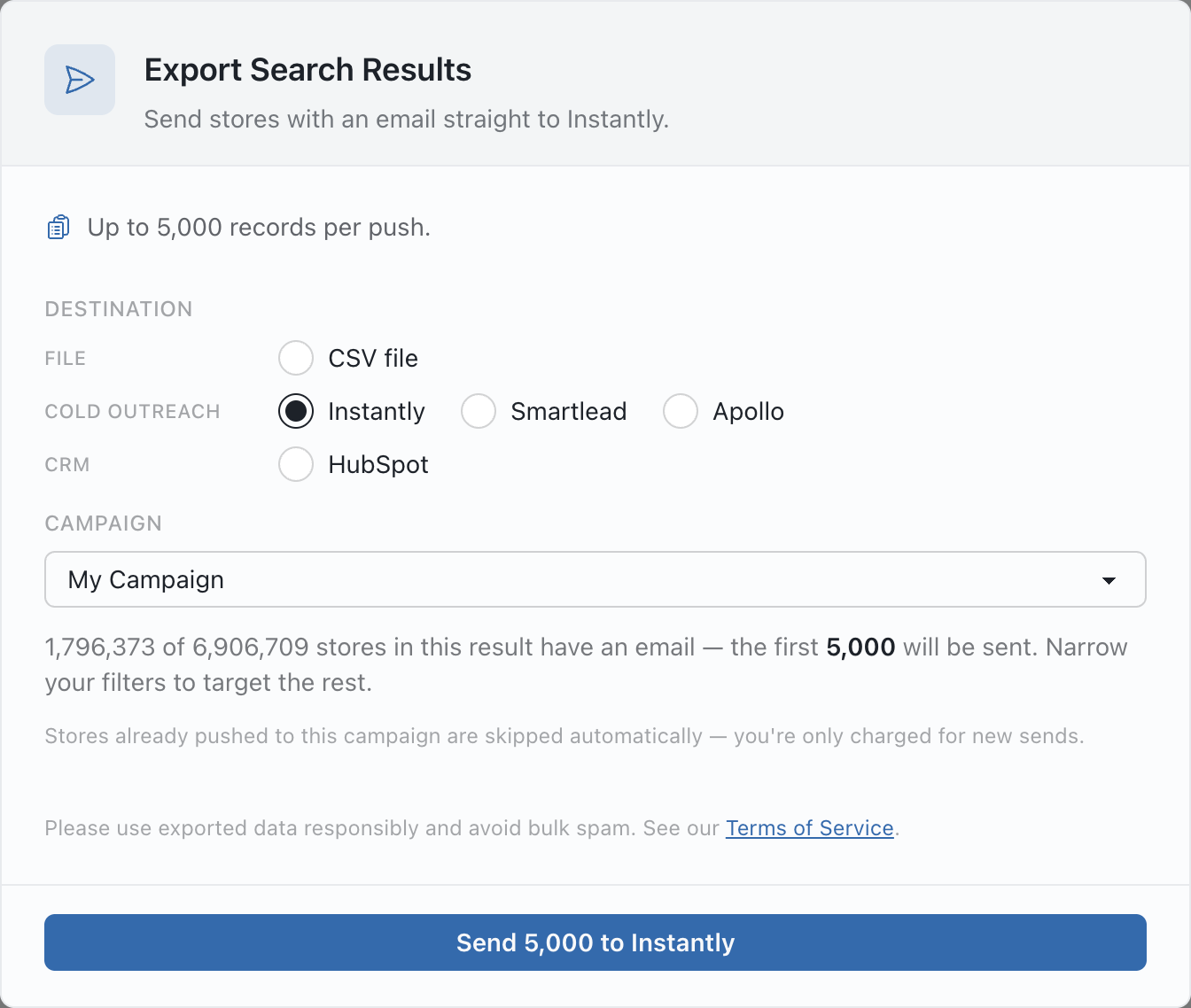
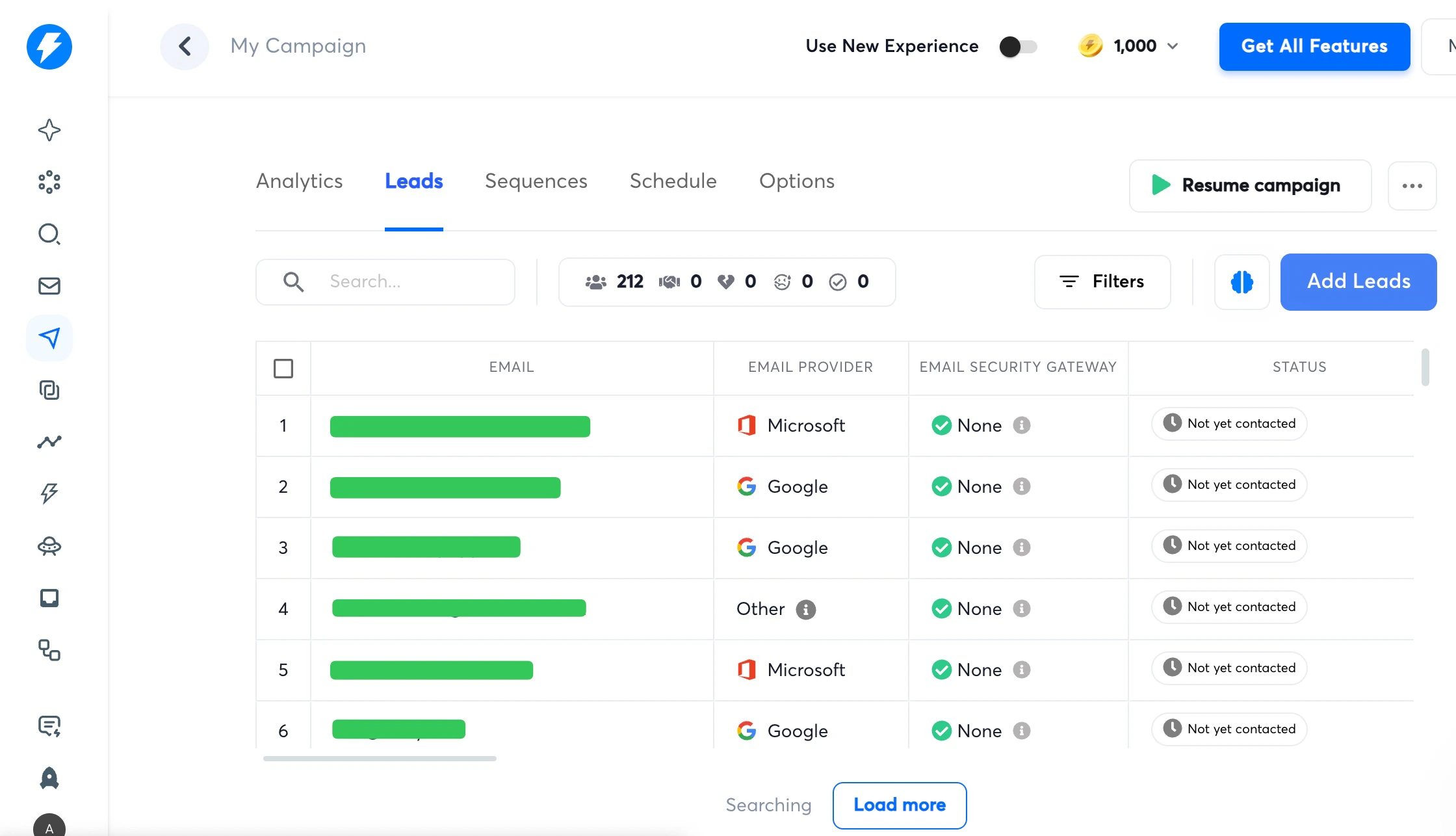
Send every store with an email from a BootLeads search straight into an Instantly campaign. Store details travel with each lead as custom variables, and stores you already sent are skipped.
What Instantly receives
Each store with an email becomes one lead in the campaign you choose. This is what each BootLeads field turns into.
Lead fields
- Business email Email
- Store name Company name
- Store website Website
- Phone Phone
Custom variables
-
Platform
{{platform}} -
HQ country
{{country}} -
Category
{{category}} -
First seen date
{{first_seen}} -
Product count
{{product_count}} -
Total followers
{{total_followers}} -
Meta ads, last 30 days
{{fb_ad_count}} -
WhatsApp number
{{whatsapp}}
From search to campaign in three steps
Your BootLeads search goes straight into the campaign you choose, with no CSV to download, clean up and upload.
-
1
Connect Instantly
Add an Instantly v2 API key in your BootLeads account settings. You only do this once.
-
2
Build the list
Filter by platform, market, category, technology, catalog, ads and contact details, and add Has Email.
-
3
Send to a campaign
Open Export, choose Instantly and a campaign, check the count and send up to 5,000 stores at a time.
Connect once, pick a campaign each time
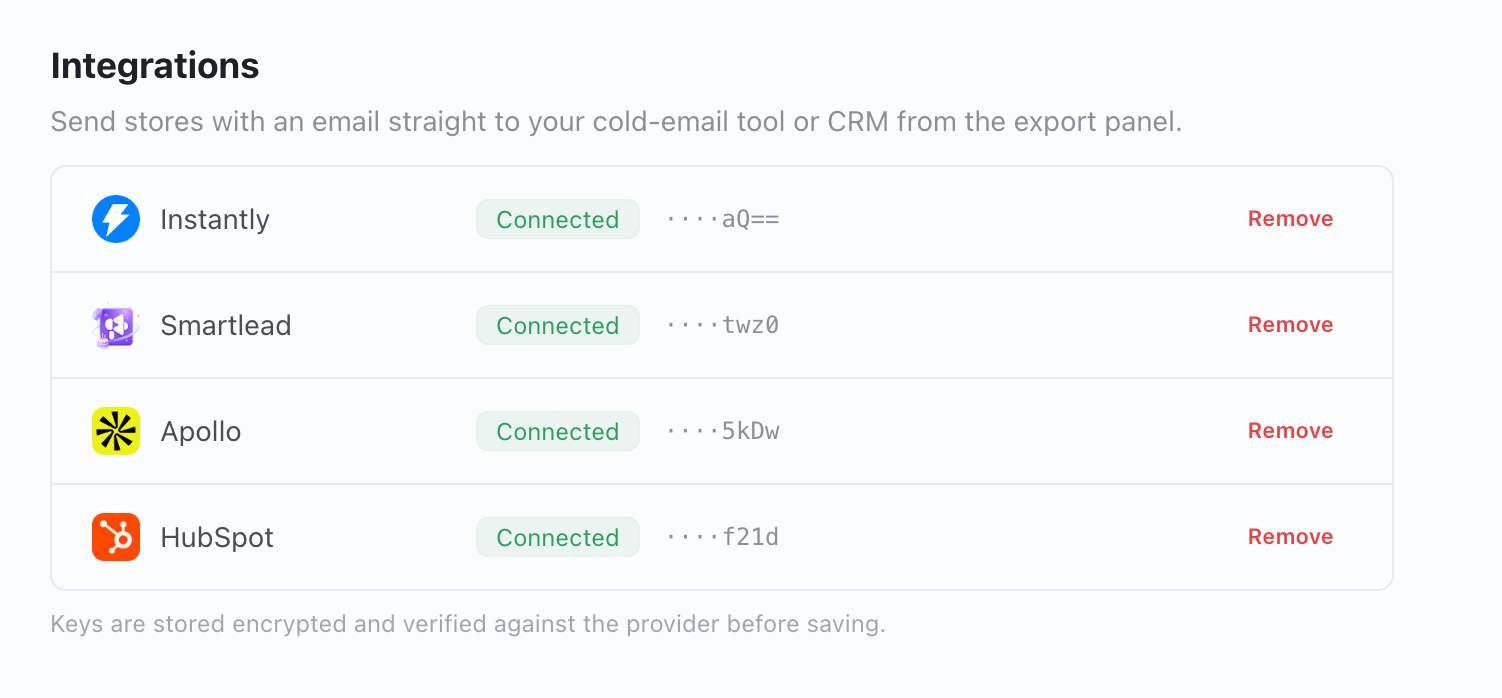
Create a v2 API key under Integrations → API Keys in Instantly, then add it in your BootLeads account settings. The key is checked before it is saved and stays masked afterwards.
Open integration settings Instantly API v2 setup guide (opens in a new tab)
After the push
Instantly takes it from there. The handoff is one way.
- Sequences, schedules, sending accounts and replies stay in Instantly.
- Nothing syncs back, and BootLeads never starts or resumes a campaign.
- Stores Instantly rejects are marked as failed and do not use your allowance.
- Your Instantly workspace's own lead limits still apply.
Questions before you connect
Which Instantly API key should I use?
A v2 API key from Integrations → API Keys in Instantly. BootLeads tests the key before saving the connection.
How many leads can I send at once?
Up to 5,000 stores per push, counted against the same record allowance as CSV exports.
What happens to stores without an email?
They are not sent. Before you push, the export panel shows how many stores in the result have a business email.
What if Instantly rejects the key or stops a push?
If the key is rejected, reconnect with a valid v2 key. If no campaigns appear, create one in Instantly and reopen Export. If the workspace hits its upload limit, fix it in Instantly and push again.
Which BootLeads plans include the integration?
Connecting Instantly and pushing stores to a campaign needs an active Pro or Enterprise plan.
Keep exploring
Other integrations
Related guides
About the data
Send your next ecommerce list to Instantly
Connect a v2 API key, filter the stores that fit your campaign and choose where they should land.